Have you ever had this experience? You are searching for something online and find the perfect site! Relieved you start clicking around on the site, checking out all they have to offer.
And then it happens.
You click on a link and get a 404 page. Dang it!
A big, ugly page with a bold 404 in the middle of it and all it tells you is that the page you are looking for doesn’t exist.
How frustrating!
So what do you do? Well, a small percent of the time you might hit the back button and try another link.Â
But more often than not you will start a new search, go to another site, or even get distracted and go somewhere else entirely.
In fact, according to Springtrax just over 73% of people who reach a 404 error page will leave your website and not return.
And you would be surprised at how pervasive 404 pages are!
In order to figure out how to address the 404 error page issue, we must first answer the question “What causes a 404 error?”
What is a 404 error
The answer is simple. A URL that doesn’t actually lead to a page.Â
I know that sounds simple, but let’s look at all the ways that can happen.Â
404 error pages are insanely common, and if you have a website, someone will land on a 404 page on it. It’s really unavoidable.Â
Whether it is due to a page being moved or a permalink changing, an old link on an old directory, or an innocent typo by a would-be visitor…
404 pages happen.
On average, the primary causes of 404 error pages are:
- Direct, type, email, bookmarks – 45.87%
- Referrals & Social Networks – 30.26%
- Broken Link on your Website: 17.58%
- Search Engine – 6.3%
Knowing this, and that less than 30% of visitors that land on a 404 page will try again, you can see how important it is to make your 404 error page work for you.
Now that we’ve covered what a 404 error page is, did you know that you can create a custom 404 page to deliver anytime someone clicks on or types in a link that doesn’t exist?
Imagine the power of sending people to a defined page, with the information you wanted them to see, even when they ended up there by mistake.Â
Think of how powerfully that can impact your visitor’s experience? It’s almost like providing them a guide when they get lost, or a hot cup of coffee when they show up at the wrong door.
It makes them feel welcome and like, even though they aren’t quite at their destination, you have thought about them and are still going to give them what they are looking for.
What your 404 page must have
In order to make your 404 page work for you there are a few things you must have.
First, including a site search option on your 404 page can save a LOT of your visitors. It gives them the option of looking for what they originally wanted, abd will hopefully keep them from looking for the information somewhere else.
The nice thing about this is it will also provide you with some information about what people are searching for. You can then use this information to create new content, add links to your 404 page, or use it as additional customer research.
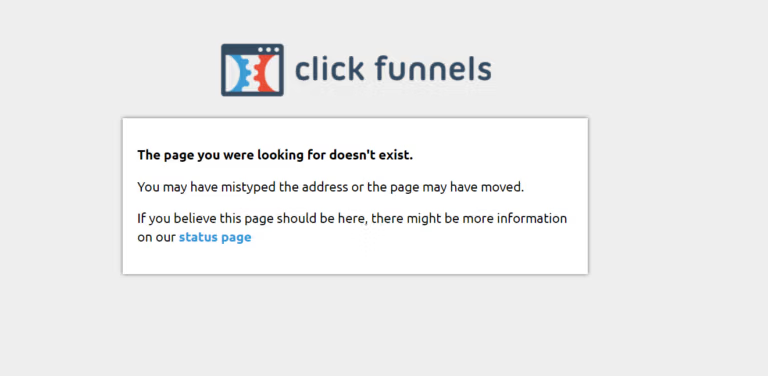
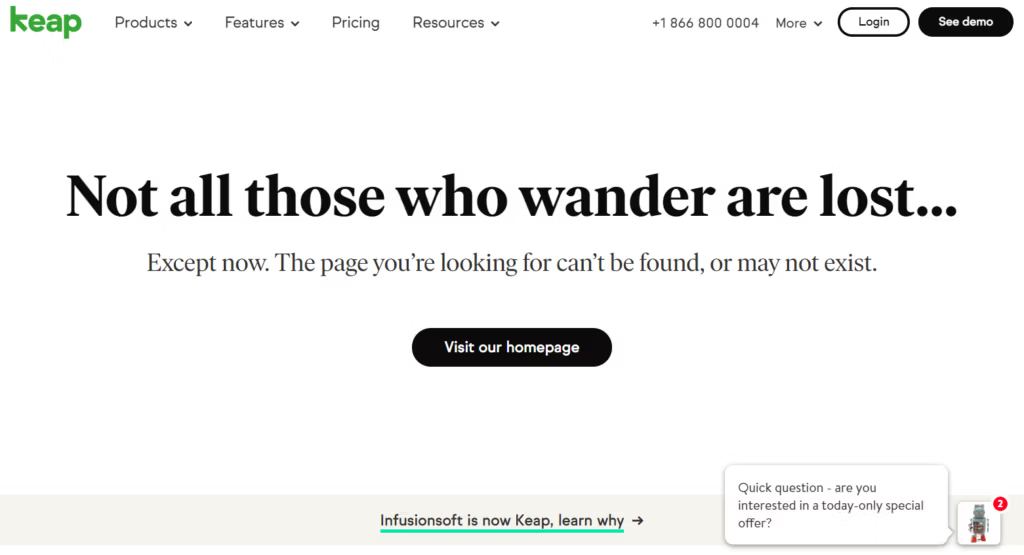
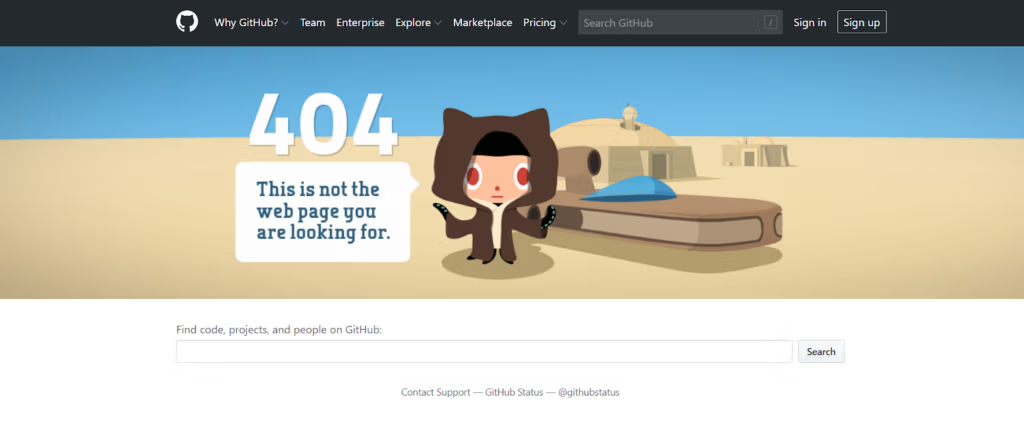
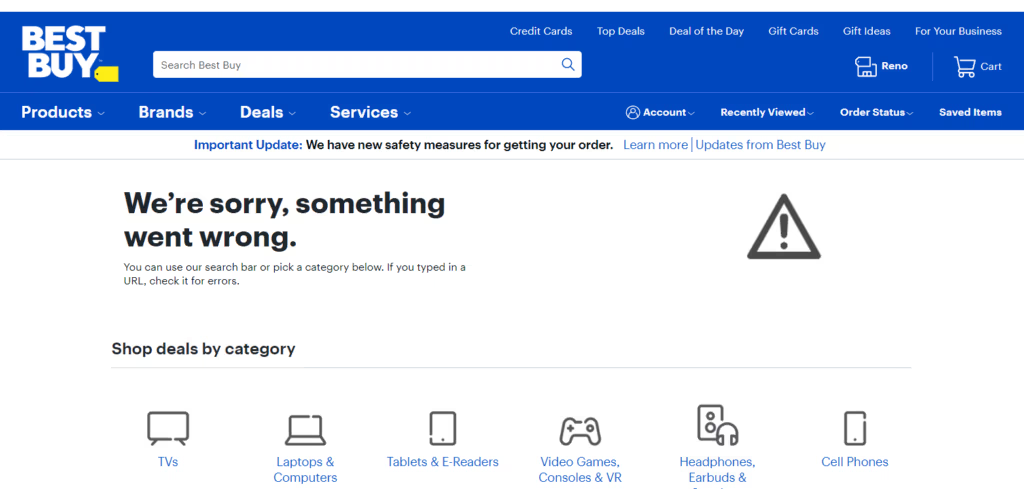
Here are a few examples of 404 pages with and without search bars, you decide which you like best.
Next, you can always turn your 404 page into a lead magnet. Now, it’s true most people will not buy on the first interaction they have with you, they may very well give you their email address if you offer something enticing enough.
Offering your highest converting lead magnet on your 404 page is a great way to turn an unfortunate click into a fortunate optin.
Another clever way to make your 404 page work for you is to offer coupons on an exit intent.
According to AdRoll, only 2% of your web visitors will convert on their first visit.
Now, imagine their first visit lands them on a 404 page. That percentage likely drops way down, right?
Here’s a great example of an exit intent pop up/opt in:
You can also direct users to your products or homepage. There are a number of sites that simply automatically redirect any 404 errors to the home page.
While I am not a huge fan of this, some large companies have a lot of success with it. So I encourage testing to see how it does. To me it skips the important step of letting the visitor know that what they were looking for doesn’t exist.
If you want to try the automatic redirect you can do so using the All 404 Redirect WordPress Plugin.
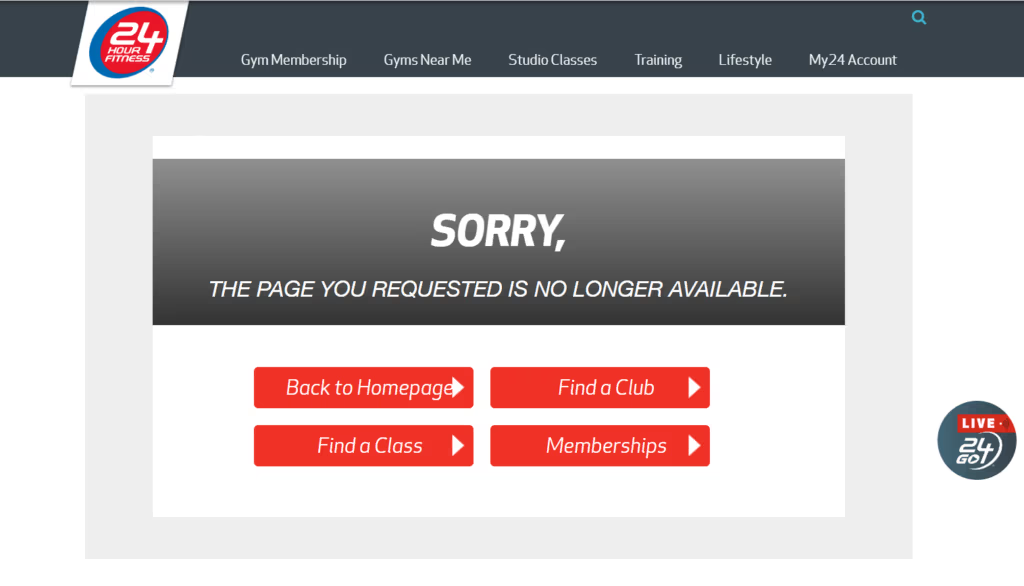
Now, one option I do like is making sure there is navigation available on your 404 error page. Including a home button or shopping category button is a great way of giving lost visitors directions to get back on track.
I just prefer you let them know that you realize they were looking for something else, but it’s not available. So you have some other suggestions for them. See these examples.Â
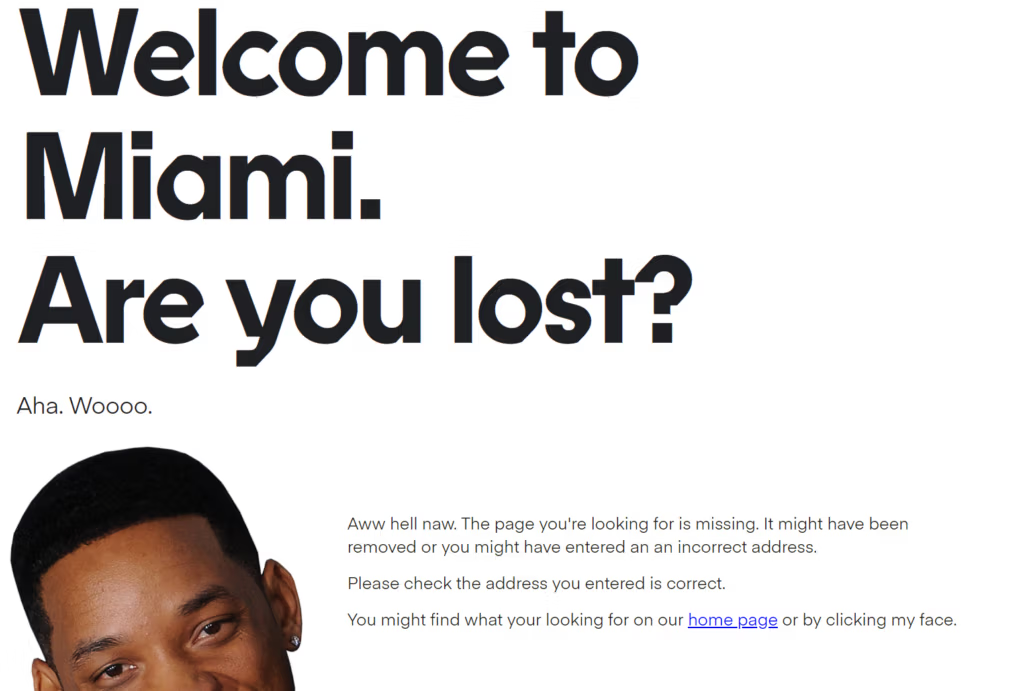
When all else fails, and you just want to have some fun, do something unexpected! Check out this awesome 404 page from Bluegg.co.uk. I have no idea what will be there when you look as they seem to change it fairly regularly, but if it doesn’t make you smile then you must have visited on a bad day.Â
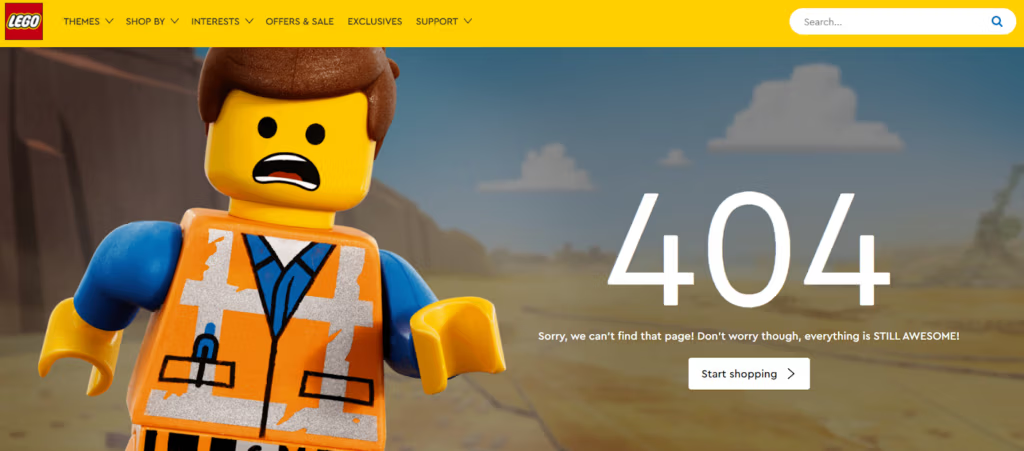
Or how LEGO has some fun with things.
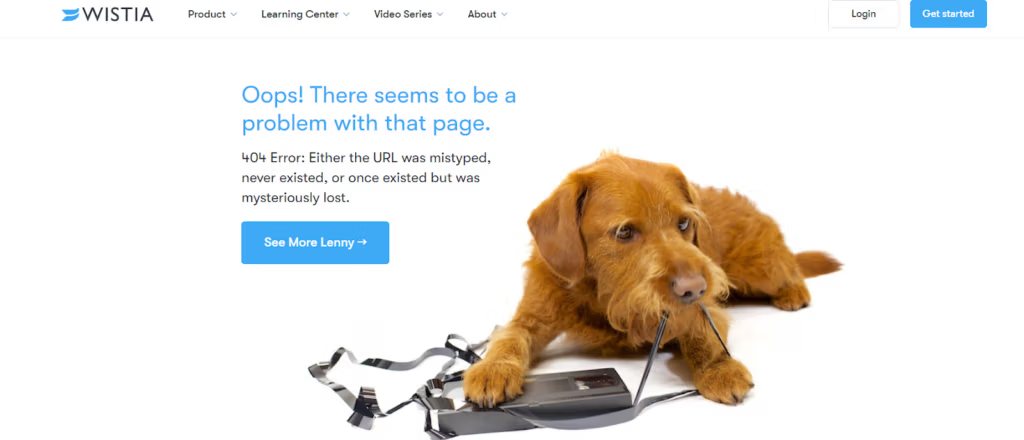
And finally, because everyone loves a dog, Wistia adds some cuteness to their 404 page.Â
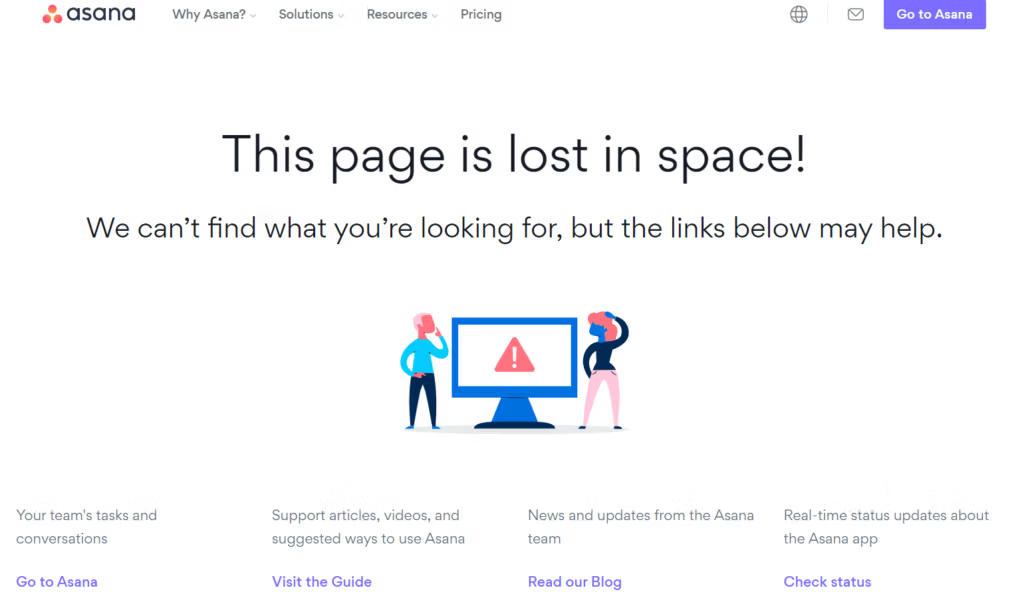
Asana redirects people to some of the more common pages that people are attempting to visit when they get a 404 error. While I don’t know for sure, I suspect this was built using some data they originally gathered from a search box on their 404 page.
As you can see, there are countless ways to turn a frustrating way to potentially lose a visitor into a convenient meeting. You can make them laugh, make them feel like you know what they are thinking, and provide them with exactly what they were looking for without them even asking!
Using creativity and a bit of strategy in your 404 page can be fun and make for a great visitor experience! I would love it if you’d share your 404 pages in the comments below so we can all get some great ideas!